Category: Uncategorized

  • Remote IT Support: How It Works and Why Businesses Use It

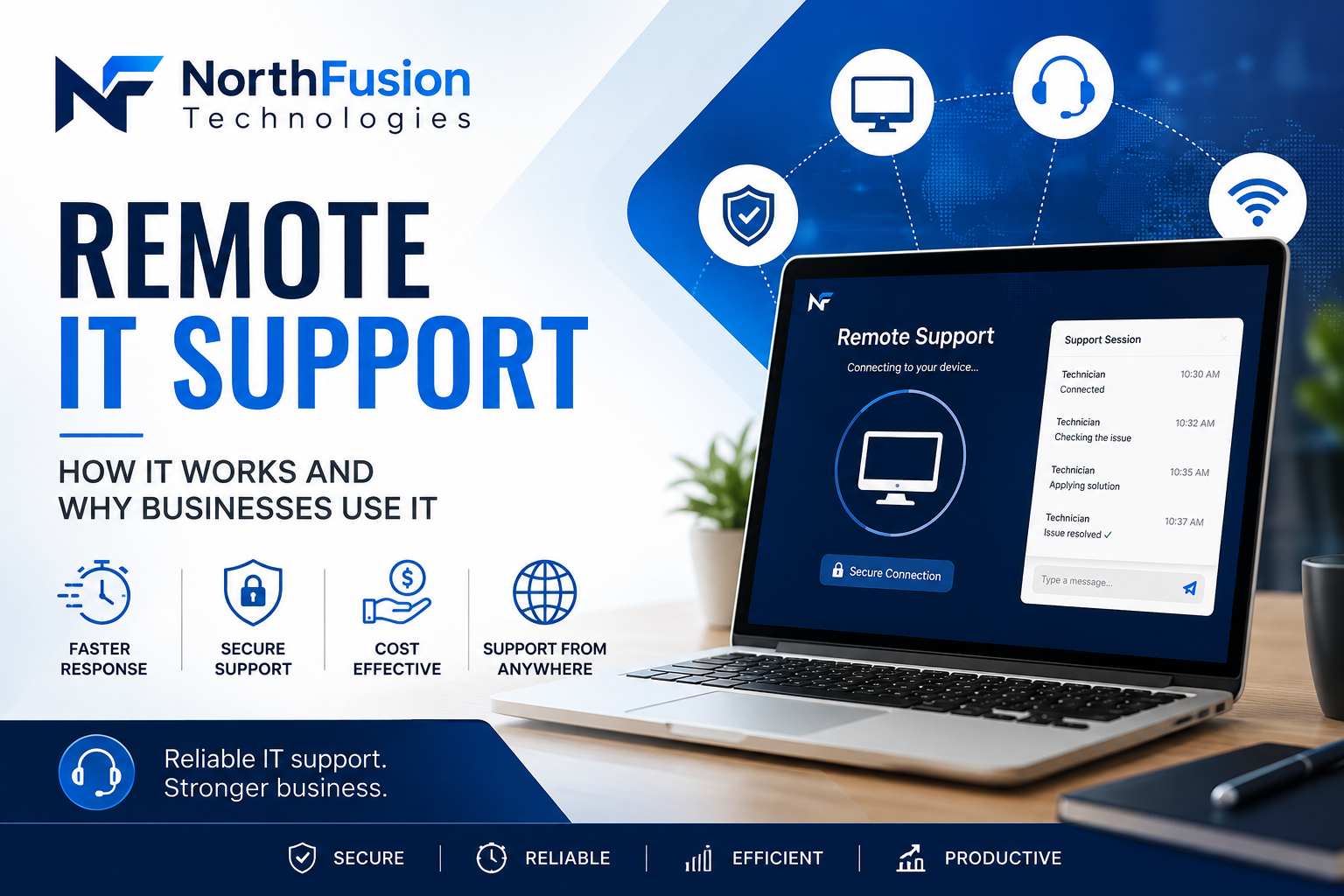
    Remote IT Support: How It Works and Why Businesses Use It

    Reliable Remote IT Support and Business IT Services for Modern Companies

    Technology is essential for modern businesses, but technical problems can quickly cause downtime and affect productivity. Remote IT support and professional business IT services provide companies with a fast and convenient way to resolve IT issues without waiting for an onsite technician or disrupting daily operations.

    At NorthFusion Technologies, our IT helpdesk team helps businesses troubleshoot and manage their technology remotely, allowing them to get back to work faster with minimal disruption.

    What Is Remote IT Support?

    Remote IT support is a service provided by an IT helpdesk where a technician securely connects to a computer or system from another location to diagnose and resolve technical problems.

    As part of modern business IT services, remote support can help with:

    ● Computer and software issues

    ● Windows problems and updates

    ● Email and Microsoft 365 issues

    ● Network and connectivity problems

    ● Printer troubleshooting

    ● Software installation and configuration

    ● Security and performance issues

    How Remote IT Helpdesk Support Works

    The process is simple and designed to minimize downtime:

    1. Contact the IT Helpdesk
    Tell the support team about the problem you’re experiencing.

    2. Remote Diagnosis
    With your permission, the technician securely connects to your device and investigates the issue.

    3. Troubleshooting and Fixes
    The IT support specialist identifies the cause and applies the necessary changes, updates, or repairs.

    4. Get Back to Work
    Once the issue is resolved, you can continue working without waiting for an onsite visit.

    Why Businesses Use Remote IT Support Services

    Faster Response Times

    Many IT issues can be resolved immediately through remote IT support, without waiting for a technician to travel onsite.

    Reduced Downtime

    Quick access to an IT helpdesk means employees can return to work faster, improving overall productivity.

    Cost-Effective Business IT Services

    Remote support reduces the need for unnecessary onsite visits, making professional IT services more affordable for businesses.

    Support From Anywhere

    Remote IT support is ideal for businesses with multiple locations or employees working from home, ensuring consistent IT assistance wherever it’s needed.

    Remote vs. Onsite IT Support

    Remote IT support is ideal for most software issues, system configuration, and troubleshooting tasks. However, some problems—such as hardware failures, damaged equipment, or physical network installations—require onsite IT support.

    A reliable IT helpdesk should always assess the issue and determine the most effective type of business IT service required.

    Get Remote IT Support From NorthFusion Technologies

    Technology problems shouldn’t bring your business to a stop. NorthFusion Technologies provides professional remote IT support and business IT services to help companies troubleshoot issues, reduce downtime, and keep their systems running smoothly.

    Need help with your business IT? Contact NorthFusion Technologies today to learn more about our IT helpdesk and remote IT support services.
  • Common IT Mistakes Small Businesses Make (And How to Avoid Them)

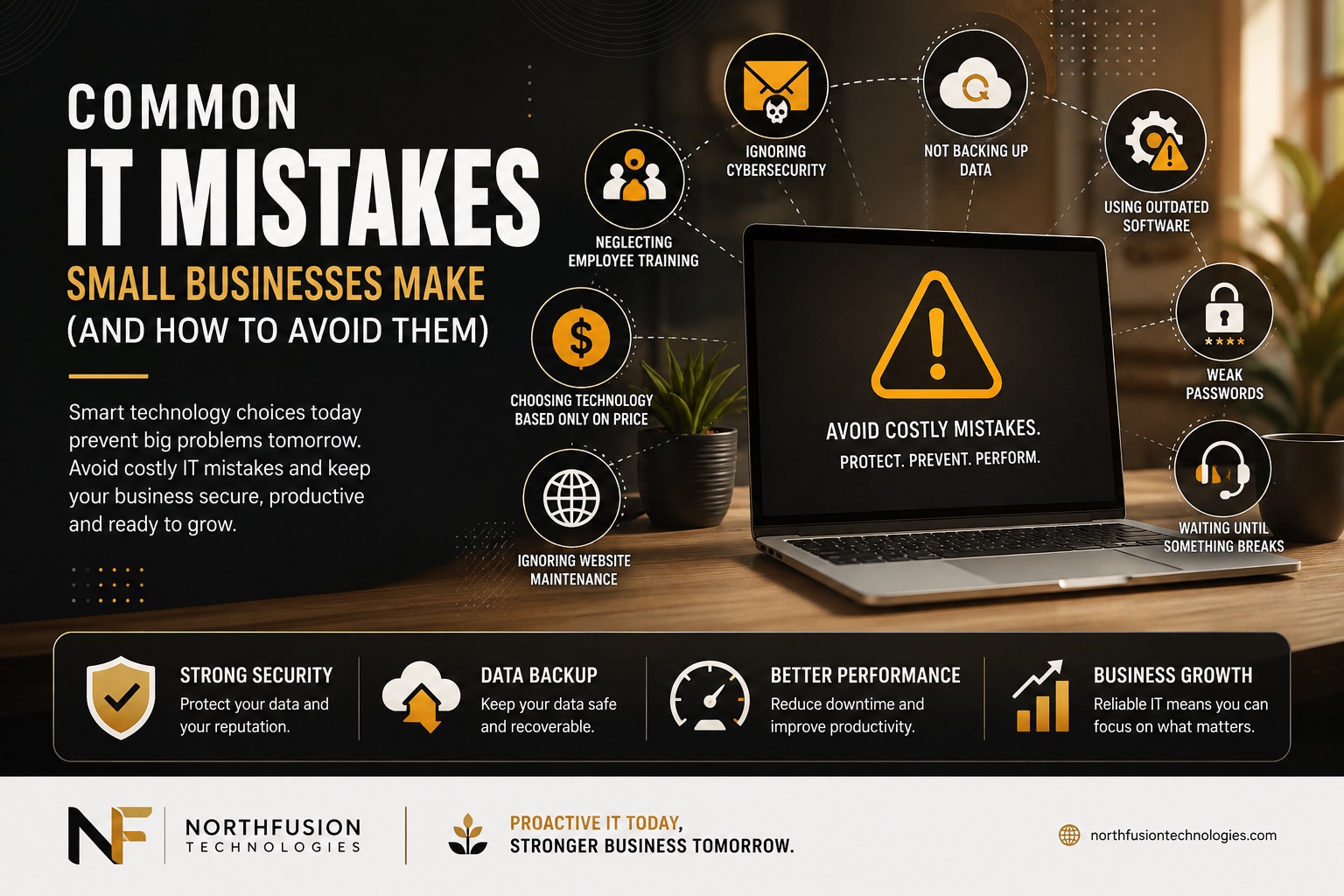
    Common IT Mistakes Small Businesses Make (And How to Avoid Them)

    In today’s digital world, technology is the backbone of almost every business. From customer communication to online sales and data management, businesses rely on IT systems every day. However, many small businesses unknowingly make technology mistakes that can lead to security risks, downtime, and unnecessary expenses.

    Here are some of the most common IT mistakes—and how you can avoid them.


    1. Ignoring Cybersecurity

    Many small business owners believe cybercriminals only target large corporations. In reality, small businesses are often easier targets because they typically have fewer security measures in place.

    How to avoid it:

    • Install trusted antivirus and anti-malware software.
    • Enable multi-factor authentication (MFA).
    • Keep firewalls active.
    • Train employees to recognize phishing emails.

    2. Not Backing Up Important Data

    Imagine losing years of customer records, financial documents, or business files because of a hardware failure or ransomware attack. Without backups, recovering that information may be impossible.

    How to avoid it:

    • Schedule automatic daily backups.
    • Store backups securely in the cloud and offline.
    • Regularly test your backup system to ensure files can be restored.

    3. Using Outdated Software

    Running old operating systems or outdated applications can expose your business to security vulnerabilities and compatibility issues.

    How to avoid it:

    • Install software updates as soon as they become available.
    • Replace unsupported operating systems.
    • Keep all business applications updated.

    4. Weak Password Practices

    Using simple passwords or reusing the same password across multiple accounts makes it much easier for attackers to gain access.

    How to avoid it:

    • Create strong, unique passwords.
    • Use a password manager.
    • Enable multi-factor authentication wherever possible.

    5. Waiting Until Something Breaks

    Many businesses only seek IT support after experiencing a major problem. This reactive approach often results in longer downtime and higher repair costs.

    How to avoid it:

    • Schedule routine IT maintenance.
    • Monitor systems proactively.
    • Address small issues before they become costly problems.

    6. Neglecting Employee Training

    Even the best security tools can’t fully protect a business if employees unknowingly click malicious links or download harmful files.

    How to avoid it:

    • Provide regular cybersecurity awareness training.
    • Teach employees how to identify phishing scams.
    • Encourage reporting of suspicious emails or activities.

    7. Choosing Technology Based Only on Price

    The cheapest hardware or software isn’t always the most cost-effective in the long run. Low-quality technology can reduce productivity and increase maintenance costs.

    How to avoid it:

    • Invest in reliable business-grade equipment.
    • Consider long-term value instead of upfront cost.
    • Work with IT professionals when selecting technology solutions.

    8. Ignoring Website Maintenance

    Your website is often the first impression customers have of your business. An outdated or vulnerable website can drive visitors away and expose your business to cyber threats.

    How to avoid it:

    • Keep your website platform and plugins updated.
    • Monitor website performance regularly.
    • Use SSL certificates and secure hosting.
    • Perform routine security scans.

    Why Professional IT Support Matters

    Managing technology can be challenging while running a business. Professional IT support helps reduce downtime, strengthen security, improve productivity, and ensure your systems continue operating efficiently.

    Whether it’s cybersecurity, website maintenance, cloud solutions, or ongoing technical support, investing in proactive IT management allows business owners to focus on what they do best—growing their business.


    Final Thoughts

    Technology should help your business grow, not hold it back. By avoiding these common IT mistakes and taking a proactive approach to IT management, small businesses can improve security, reduce unexpected costs, and operate more efficiently.

    If your business needs reliable IT support, cybersecurity solutions, website management, or custom software development, NorthFusion Technologies is here to help. Our team provides tailored technology solutions designed to keep your business secure, productive, and prepared for the future.

  • Why Every Small Business Needs a Professional Website

    Why Every Small Business Needs a Professional Website

    In today’s digital world, your website is often the first impression customers have of your business. A professional website helps build trust, attract new customers, and keep your business accessible 24/7.

    Build Trust and Credibility

    Most customers search online before making a purchase. A modern, professional website shows that your business is reliable and makes it easier for people to choose you over competitors.

    Get Found on Google

    A well-optimized website helps your business appear in search results when customers are looking for the products or services you offer. This means more visibility and more potential leads.

    Available 24/7

    Unlike a physical store, your website never closes. Customers can learn about your services, browse your portfolio, and contact you anytime, from anywhere.

    Turn Visitors into Customers

    With clear service pages, contact forms, customer reviews, and fast loading speeds, your website can help convert visitors into paying customers.

    Stay Ahead of the Competition

    Many businesses still rely only on social media. A professional website gives you complete control over your online presence and helps you stand out in a crowded market.

    Final Thoughts

    A professional website is one of the best investments a small business can make. It builds credibility, increases visibility, and helps you generate new business every day.

    Need a website that works as hard as you do? NorthFusion Technologies designs fast, secure, and modern websites that help businesses grow online.

  • 10 Cybersecurity Tips Every Small Business Should Follow

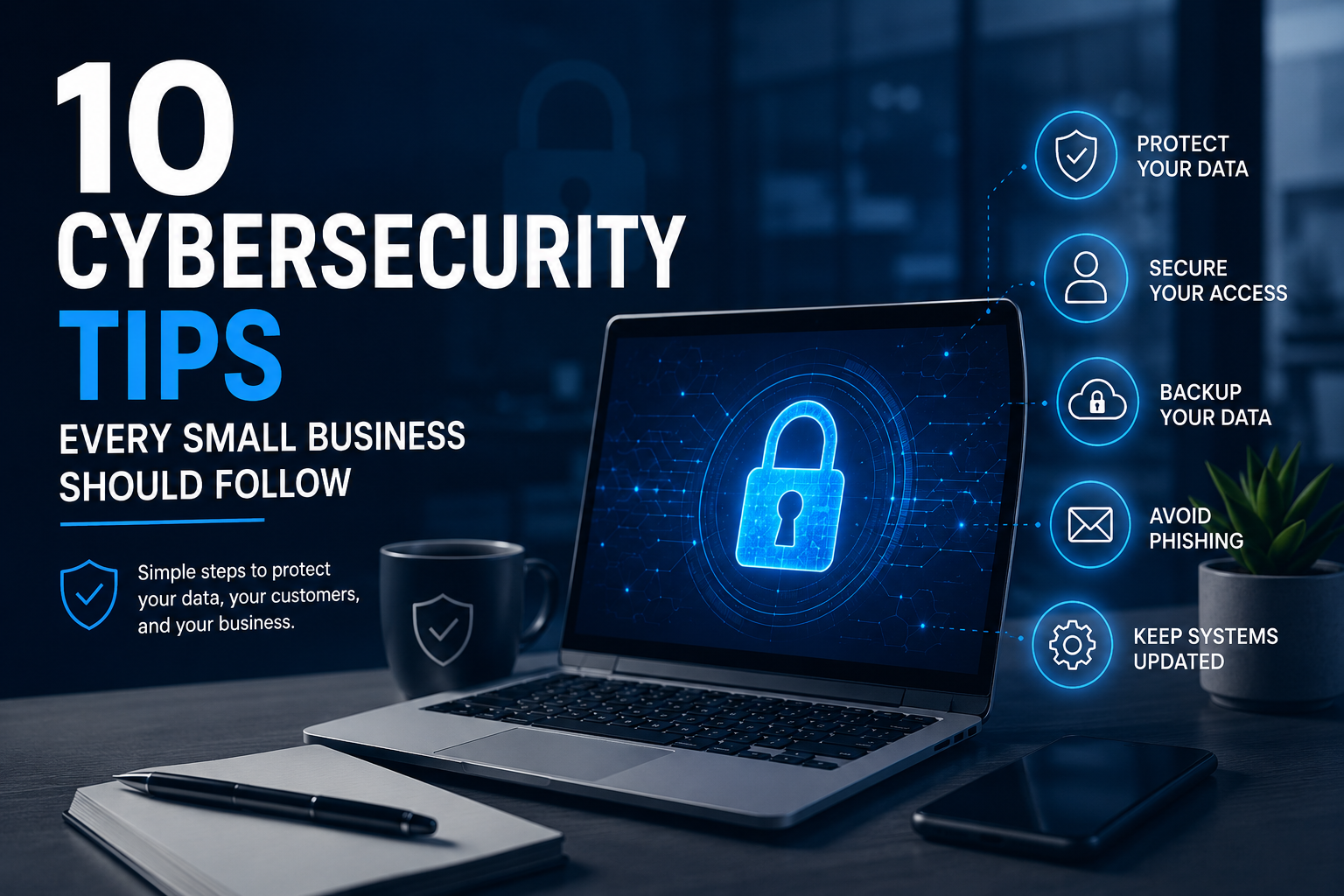
    10 Cybersecurity Tips Every Small Business Should Follow

    Running a small business is challenging enough without having to worry about cyberattacks. Unfortunately, hackers don’t just target large corporations anymore—they often go after small businesses because they know security is sometimes overlooked.

    The good news? Protecting your business doesn’t have to be complicated or expensive. A few simple habits can go a long way in keeping your data, your customers, and your business safe.

    Here are ten practical cybersecurity tips every small business should follow.

    1. Use Strong Passwords

    It sounds obvious, but weak passwords are still one of the biggest security risks. Avoid using easy-to-guess passwords like “123456” or your business name. Instead, create long, unique passwords for each account and consider using a password manager so you don’t have to remember them all.

    2. Turn On Multi-Factor Authentication

    If your email, banking, or business accounts offer multi-factor authentication (MFA), enable it. It only takes a few extra seconds to log in, but it adds an extra layer of protection that can stop hackers even if they somehow get your password.

    3. Don’t Ignore Software Updates

    We’ve all clicked “Remind me later” when a software update pops up. The problem is that many updates include important security fixes. Keeping your computers, phones, and business software up to date helps close security gaps before cybercriminals can take advantage of them.

    4. Teach Your Team What to Watch For

    Most cyberattacks start with a simple email. If an employee clicks a fake link or downloads a suspicious attachment, it could put the entire business at risk. Spend a little time teaching your team how to recognize phishing emails and suspicious messages—it can save you a lot of trouble later.

    5. Back Up Your Important Files

    Imagine losing years of customer records, invoices, or project files overnight. Regular backups make sure your business can recover quickly if something goes wrong, whether it’s ransomware, accidental deletion, or a hardware failure. Keep backups in a secure cloud service and, if possible, an offline location as well.

    6. Install Reliable Security Software

    A good antivirus program is like having a security guard for your devices. It helps detect viruses, malware, and other threats before they can cause damage. Just make sure it’s always updated so it can recognize the latest threats.

    7. Secure Your Wi-Fi Network

    Your office Wi-Fi should be protected with a strong password and modern encryption. If customers or visitors need internet access, give them a separate guest network instead of letting them connect to your main business network.

    8. Give Employees Access Only to What They Need

    Not everyone in your business needs access to every file or system. Limiting access based on each person’s role helps reduce the damage if an account is ever compromised.

    9. Keep an Eye on Unusual Activity

    Pay attention to anything that seems out of the ordinary, such as unexpected login attempts, missing files, or unusually slow computers. Spotting a problem early can prevent a small issue from becoming a major one.

    10. Get Professional IT Support

    Technology is constantly changing, and so are cyber threats. Having a trusted IT partner means you don’t have to handle everything on your own. From monitoring your systems to fixing issues before they become serious, professional IT support gives you peace of mind and lets you focus on running your business.

    Final Thoughts

    Cybersecurity isn’t just something for big companies with large IT departments. Every business, no matter its size, has valuable information worth protecting.

    The good news is that staying secure doesn’t require complicated technology. By following these simple tips and making cybersecurity part of your everyday routine, you’ll be in a much stronger position to protect your business, your employees, and your customers.

    At NorthFusion Technologies, we help businesses stay secure with dependable IT support, custom software solutions, and modern website development. Whether you need help strengthening your cybersecurity or managing your technology, our team is here to support your business every step of the way.

    Your business deserves technology that’s reliable, secure, and built for growth. Contact NorthFusion Technologies today to learn how we can help.

  • 5 Ways Proactive IT Support Helps Businesses Reduce Downtime

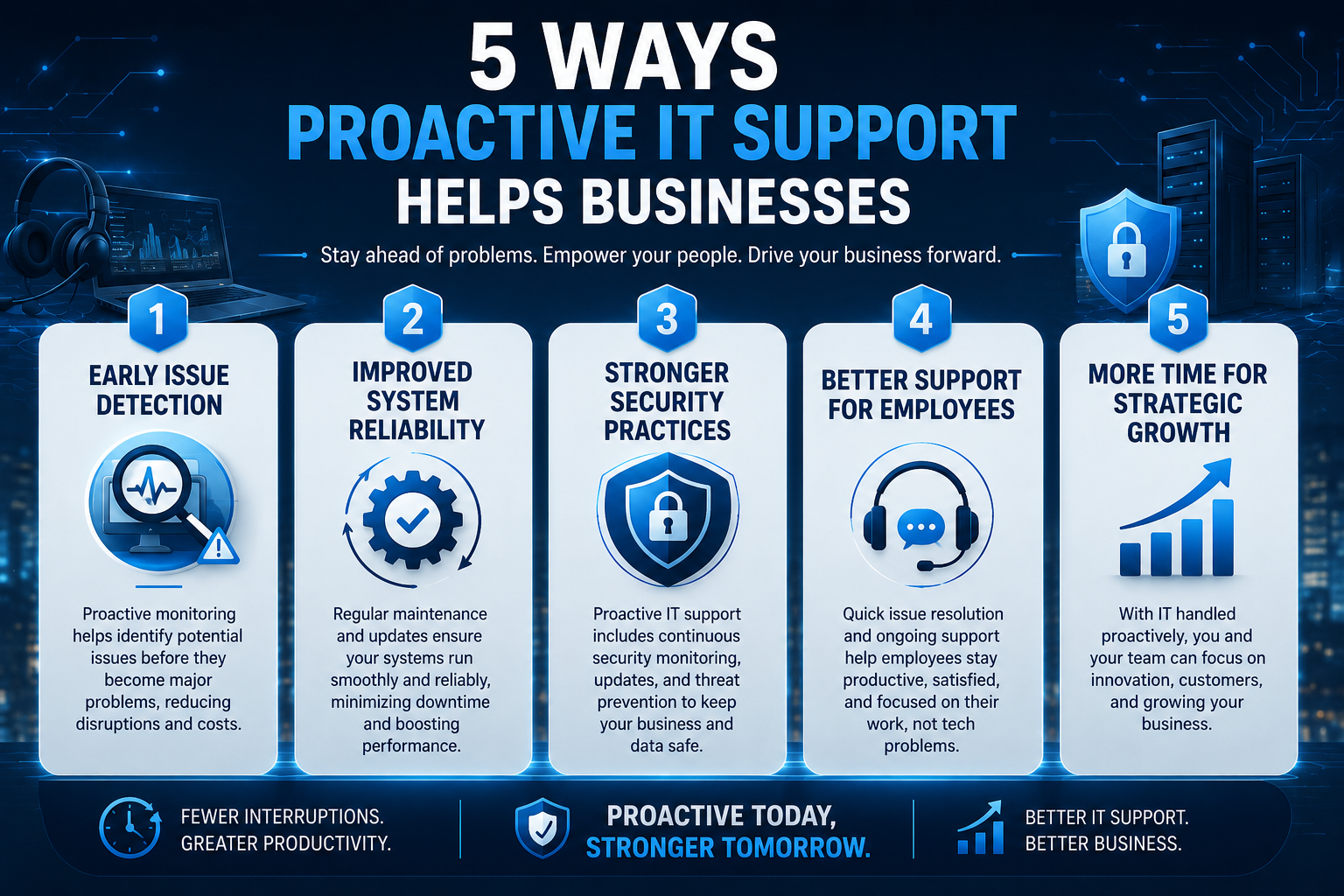
    5 Ways Proactive IT Support Helps Businesses Reduce Downtime

    Why Proactive Support Matters

    For growing businesses, technology is not just a back-office function. It supports communication, customer service, daily operations, and long-term planning. When systems slow down or fail unexpectedly, the result is often lost productivity, frustrated teams, and avoidable costs.

    Proactive IT support helps organizations stay ahead of these issues by identifying risks early, maintaining system performance, and creating a more reliable technology environment. Instead of reacting only when something breaks, businesses can build a stronger foundation for continuity and growth.

    1. Early Issue Detection

    Many technical problems begin as small warning signs such as unusual performance, outdated software, or recurring user errors. With regular monitoring and maintenance, these issues can be addressed before they become larger disruptions. Early detection reduces emergency fixes and helps teams stay focused on their work.

    2. Improved System Reliability

    Reliable systems are essential for maintaining business momentum. Routine updates, security checks, and infrastructure reviews help keep devices, networks, and applications operating as expected. A proactive approach supports smoother performance and gives employees greater confidence in the tools they use every day.

    3. Stronger Security Practices

    Cybersecurity threats continue to evolve, and businesses of every size need practical protection. Proactive IT support can help maintain patches, review vulnerabilities, and reinforce essential safeguards across systems and users. This reduces exposure to preventable risks and supports a more secure operating environment.

    4. Better Support for Employees

    When employees receive responsive technical support, they can resolve issues faster and return to productive work with less interruption. Consistent assistance also improves the overall user experience, especially when teams rely on multiple platforms and devices to serve customers and manage internal processes.

    5. More Time for Strategic Growth

    Technology should support business goals, not distract from them. By reducing recurring technical issues and improving day-to-day stability, proactive IT support gives leadership more time to focus on planning, customer relationships, and operational improvement. It turns IT from a reactive necessity into a strategic advantage.

    Reliable technology is not only about fixing problems quickly. It is about preventing the problems that slow businesses down in the first place.

    How NorthFusion Technologies Helps

    At NorthFusion Technologies, we provide professional IT solutions and customer support services designed to help businesses operate efficiently. Our focus on quality, reliability, and responsive service helps clients build a stronger technology foundation while supporting long-term business performance.

    If your organization is looking for dependable technology support, contact NorthFusion Technologies to start a conversation about your needs.